
Play Blossom Word Game Free Online:
Test your vocabulary and word-building skills with Blossom Word Game, a fun and engaging daily word puzzle you can play directly in your browser. Create as many words as possible using the provided letters, discover bonus words, and challenge yourself to reach the highest score. Perfect for word puzzle enthusiasts looking for a free brain-training experience—no download or registration required!
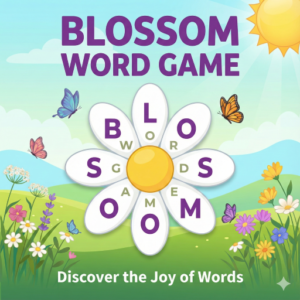
Blossom Word Game


Play Blossom Word Game online for free and grow a garden of words from a small set of letters. Each level feels like a calm puzzle where you try to connect petals into clever words and reach the target score. It is great for quick breaks, daily brain training, and anyone who enjoys relaxing word games.
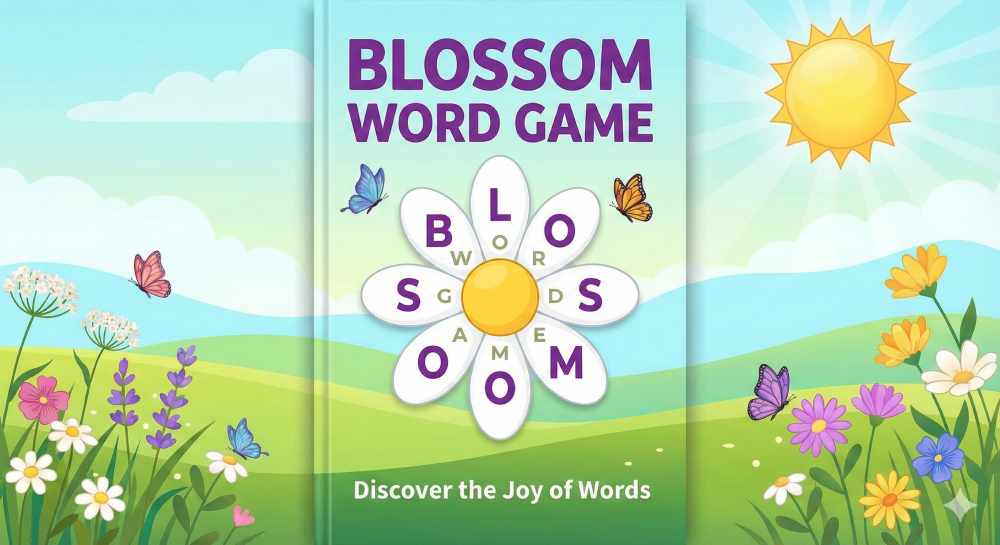
You can play Blossom Word Game directly in your browser on desktop, tablet, or mobile. No sign-up is needed and you can restart as many times as you like. If you love daily word puzzles and letter games, you will also enjoy more titles in our Word Games collection.
What is Blossom Word Game?
Blossom Word Game is a daily word puzzle where you create words from letters arranged around a flower. Each petal shows a letter. You tap or click the letters in order to form valid words and reach a target score. Longer words and rare letters give more points, which helps your garden grow faster.
Unlike classic crosswords, Blossom Word Game focuses on free-form word building. You are not filling a grid. You only need to think about which words can be made from the given letters. This makes the game easy to learn, yet still very deep for players who enjoy chasing high scores and fresh word combinations.
Each puzzle in Blossom Word Game has one central letter that must appear in every word you submit. This small rule keeps the challenge clear and stops random guessing. You always build around the center of the flower, which creates a nice visual link between the garden theme and the word puzzle.
The game refreshes with new layouts and word sets on a regular basis. Many players treat it as a gentle daily challenge, similar to a morning crossword. If you enjoy New York Times style games or daily brain training, this petal-based puzzle fits very well into your routine.
Gameplay overview of Blossom Word Game
In Blossom Word Game you start with a flower made of one center letter and several petal letters. Your goal is to enter as many valid words as possible using these letters and to reach the score target displayed on the screen. Every word must include the center letter and must be at least three letters long.
Words that use more letters usually award more points. Some puzzles also highlight special bonus words or longer “blossom” words that give extra score when found. This encourages you to think beyond simple three-letter options and to search for more creative combinations across the full flower.
The game tracks your score, how many words you have found, and which letters you use the most. A progress bar or small meter shows how close you are to your target. Once the bar is full, you have cleared the main goal for that puzzle, though you can continue exploring extra words if you like.
There is no strict time limit in Blossom Word Game on most versions. You are free to pause, think, and return to the puzzle later. This slow and calm pace makes the game ideal for younger players, language learners, and anyone who prefers relaxed word challenges instead of time pressure.
The browser version of Blossom Word Game runs smoothly on modern desktop and mobile browsers. You do not need to install anything or create an account to start playing. Just load the page, wait a moment for the flower to appear, and begin forming words from the petals.
How to play Blossom Word Game?
To start playing Blossom Word Game, open the game page and wait for the flower of letters to load. Look at the center letter first, because it must appear in every word you submit. Then scan the outer petals and try to spot simple three or four letter words that include the center letter.
Click or tap the first letter of your word, then select the next letters in order. Many versions also support typing on your keyboard if you prefer. When the full word appears in the input area, press the submit button. If the word is valid, your score will rise and the word will appear in a list.
Try to clear obvious short words early. This warms up your brain and helps you get used to the letter set. After that, look for patterns such as common endings (-ing, -ed, -er) or prefixes (re-, un-, pre-). Combine these with the available letters to create longer, more valuable words.
If you get stuck, shuffle the petals if that option exists. Rotating or scrambling the outer letters can reveal new combinations that were hard to see before. You can also step away from the screen for a minute and come back with fresh eyes. Many players are surprised by how many extra words they spot after a short break.
While you play Blossom Word Game, watch the score bar or progress indicator. Each new word moves you closer to the target. Aim to reach the main target first, then continue searching for hidden high-value words if you enjoy squeezing every point out of a puzzle.
Try to avoid repeating the same small group of letters again and again. Repetition rarely leads to new words. Instead, focus on letters that you have used less and ask yourself what common word patterns they can form with the center letter. This simple habit quickly makes you better at the game.
Quick start
First, note the center letter and promise to use it in all of your guesses. Next, list a few very easy words that include it, even if they are short. These early successes build your score and help you feel comfortable with the puzzle.
Then, shift your focus to longer words. Check each petal and ask “What four or five letter words start with this letter and include the center letter?” Try these ideas one by one. Keep an eye on the score bar so you know when you are close to your goal.
Objectives and win conditions
The main objective in Blossom Word Game is to reach the target score shown on screen. You earn points by submitting valid words that include the center letter and use only letters from the flower. Longer words and rare letters often give more points.
Some versions of the game also display rank labels such as “Good,” “Great,” or “Master.” These ranks unlock as your score passes certain milestones. They serve as fun mini goals and encourage you to keep searching for more words even after you hit the main target.
Many players treat the daily puzzle as “won” when they meet the highest rank or find all listed words. Others are happy once they fill the score bar. There is no wrong way to play. Choose the win condition that feels right for your time and mood that day.
Controls
Controls in Blossom Word Game are simple and friendly on all devices. You can play with mouse, keyboard, touch, or even a gamepad on some setups.
Keyboard and mouse
On desktop, you can click each letter with your mouse in the order of the word you want to spell. If you make a mistake, use the backspace or clear button near the input area to remove letters and try again. A submit button or Enter key sends the word for checking.
Many players also like typing words directly on the keyboard. In this mode, you place the cursor in the input field and simply type the word. The game will highlight used letters on the petals. Press Enter to submit. This method feels faster once you know the letter set well.
Touch controls (mobile)
On phones and tablets, Blossom Word Game uses tap controls. Tap each letter in the order you want, then tap submit. If you tap the wrong letter, there is usually a small delete icon to remove the last character or clear the whole word.
The game is built with large, touch-friendly buttons. This makes it easy for kids and adults to play without mis-taps. You can pinch to zoom on many browsers if you want bigger letters, which helps on smaller screens or when playing for a long time.
Gamepad (controller)
Some browsers allow you to connect a gamepad to control the cursor. In that case you can move between petals with the stick and confirm letters with the main action button. While this is not the primary way to play Blossom Word Game, it can be fun for experiments.
If you try a gamepad and the response feels slow, switch back to mouse, keyboard, or touch. These input methods are the main focus and usually give the smoothest experience for a letter-based puzzle.
Tips and tricks for Blossom Word Game
Consistent small habits make a big difference in Blossom Word Game. Warm up with short words, scan for patterns, and use shuffles or breaks when you feel stuck. Over time you will see letter groups much faster and your scores will rise.
Tips for beginners
- Start with three-letter words that include the center letter to build early score.
- Look for common endings like “ing”, “ed”, and “er” and test them with different letters.
- Try shuffling or rotating the petals when your brain feels blank.
- Keep a calm pace and avoid random guessing, which rarely helps.
- Play one puzzle daily to build a strong habit and better word memory.
Advanced strategies
- Group letters by sound families and test them with the center letter for long words.
- Focus on underused letters; they often hide rare but high-value words.
- When you find a good base word, try all common prefixes and suffixes on it.
- Write tricky letter combos on paper if you like to think away from the screen.
- Set personal goals such as “reach the top rank” or “find all bonus words” to stay engaged.
Features of Blossom Word Game
Blossom Word Game includes several neat features that keep each session fresh and relaxing.
Main features
- Flower layout with a center letter and colorful petals.
- Daily puzzle style with a clear target score.
- Progress ranks that unlock as your score grows.
- Support for mouse, keyboard, and touch input.
- Play in the browser with no downloads or account.
What makes it special
The flower layout gives Blossom Word Game a warm and friendly look that fits its calm pace. It feels less harsh than pure grid puzzles and invites you to take your time. Many players enjoy the gentle garden theme while they stretch their vocabulary.
The scoring system rewards both quick wins and deep thinking. You can play casually, just reaching the main target, or push yourself to find rare words and top ranks. This flexible style makes the game suitable for kids, teens, parents, and language learners.
Because Blossom Word Game runs in the browser, it fits into short breaks during the day. You can open a new tab, play a puzzle, then close it again without installing anything or creating an account.
Game details
- Requirements: To play you only need a computer, an internet connection and a browser. No downloads!
- Developer: Created by a casual word game studio inspired by daily puzzles.
- Technology: Built with HTML5.
- Release date: Released in 2023 as a modern browser word puzzle.
- Platform: Browser (PC, mobile, tablet).
- Category: Word Games
Performance and troubleshooting
If Blossom Word Game feels slow, first try refreshing the page. A fresh load often fixes small connection issues or old cached files. Wait a few seconds for all graphics and scripts to finish loading before you start tapping letters.
Close unused browser tabs and background apps to free memory on your device. Large video streams or many open tabs can affect puzzle games, especially on older phones or laptops. Keeping only a few tabs open helps the game run smoothly.
Make sure your browser is up to date. The latest versions of Chrome, Edge, Safari, and Firefox usually handle HTML5 games much better than old versions. Turn on hardware acceleration in your browser settings if you notice choppy animations.
On mobile, connect to a stable Wi-Fi network where possible. Weak mobile data can break the connection and stop new puzzles from loading. If the game freezes, fully close the browser app, reopen it, and reload the Blossom Word Game page.
For the best experience, use fullscreen mode if your browser offers it. This reduces distractions and gives more space for the flower layout and word list.
Updates
The browser version of Blossom Word Game may receive small updates from time to time. These can include new word lists, improved dictionaries, minor visual tweaks, or seasonal artwork. You do not need to do anything; updates load automatically the next time you open the page.
Is Blossom Word Game free?
Yes, you can play Blossom Word Game for free in your browser. There is no cost to open the game, start puzzles, or replay them as many times as you like.
Some versions show small ads around the play area to support hosting and development. These ads help keep the puzzle accessible at no direct cost to you. The core gameplay remains the same and you can still enjoy a full daily session without payment.
You do not need to register an account or share personal payment data to enjoy the game on our site.
Is it safe?
Playing Blossom Word Game in your browser is safe as long as you use trusted websites with HTTPS in the address bar. The game runs inside the page and does not require any external downloads or installers.
We do not ask you to install extra plug-ins, toolbars, or browser extensions to play. This reduces the risk of unwanted software. If another site forces you to install separate files for a simple word game, it is wise to close that page.
Basic analytics may track anonymous usage to help improve the experience, such as which devices and browsers are popular. This data stays general and does not need your full name or payment information.
Always keep your browser and device security tools up to date. Use strong passwords for your email and main accounts, and avoid sharing them on gaming sites. These small habits help keep your wider online life safe while you enjoy light puzzles like Blossom Word Game.
Where can I play Blossom Word Game unblocked?
If your school or workplace blocks some gaming sites, you can often still play Blossom Word Game on trusted HTTPS pages that focus on family-friendly content. Our site is designed to load in a clean layout with a simple word puzzle and light ads only.
If you cannot access the game from one network, try a different browser or connect from home Wi-Fi. Do not use unsafe proxy programs just to reach a word puzzle. It is better to wait for a safe connection than to risk your device for a small game.
Why is Blossom Word Game so fun?
Blossom Word Game is fun because it blends a soft garden theme with clear language goals. The flower of letters feels pleasant to look at, and each new word you find adds to your score like watering a plant.
The puzzle encourages quick bursts of creativity. You can jump in, try a few word ideas, and see results right away. This feedback loop keeps you engaged without heavy pressure or long tutorials.
The daily style also plays a big part. Many players build a small routine around their favorite word games. Blossom Word Game fits well into a morning break, a bus ride, or a quiet evening moment.
Finally, it quietly helps you grow your vocabulary. As you meet new words and test letter patterns, your language skills improve in the background.
Similar games to Blossom Word Game
If you enjoy the style of Blossom Word Game, you will likely enjoy other relaxed letter puzzles and daily challenges on our site.
Waffle Word Game: Arrange letters on a waffle-shaped grid and swap tiles to form correct words.
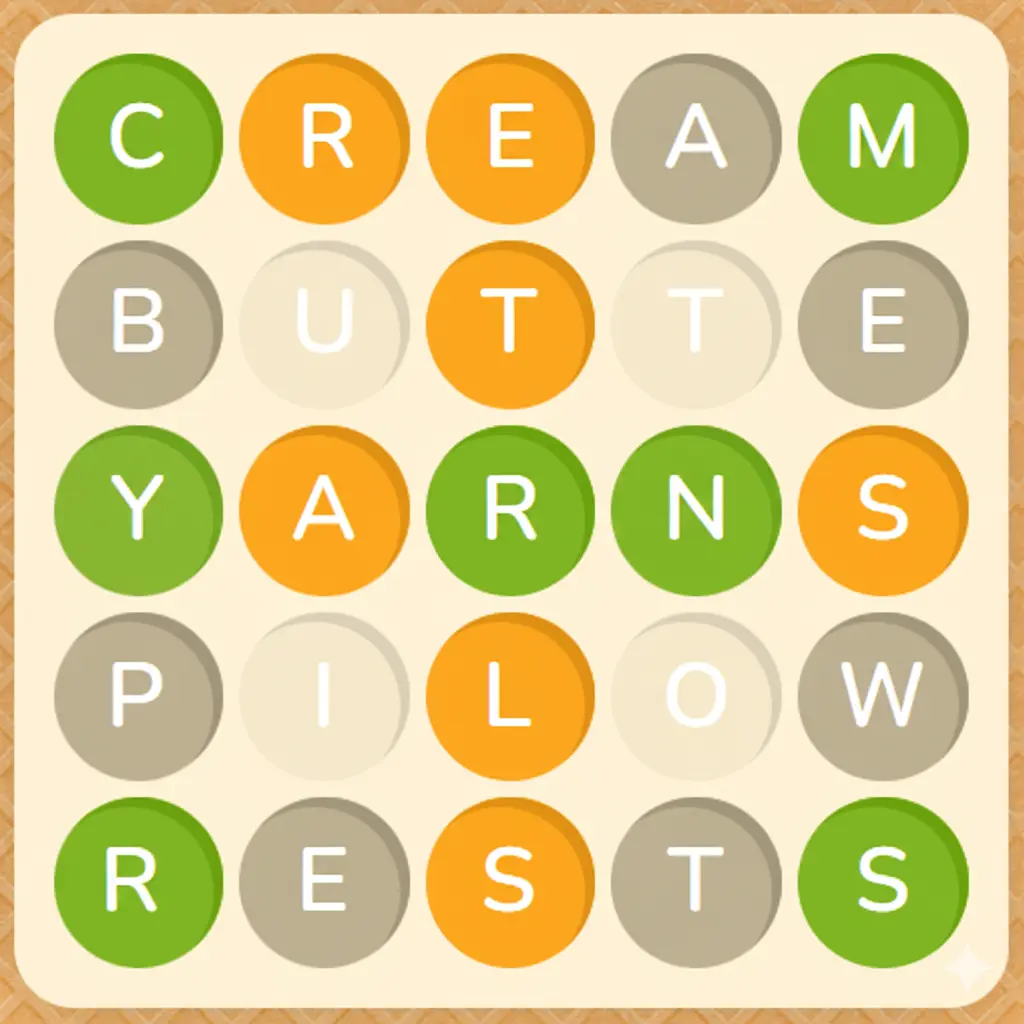
Wordle Online: Guess a hidden five-letter word in six tries using color clues after each attempt.
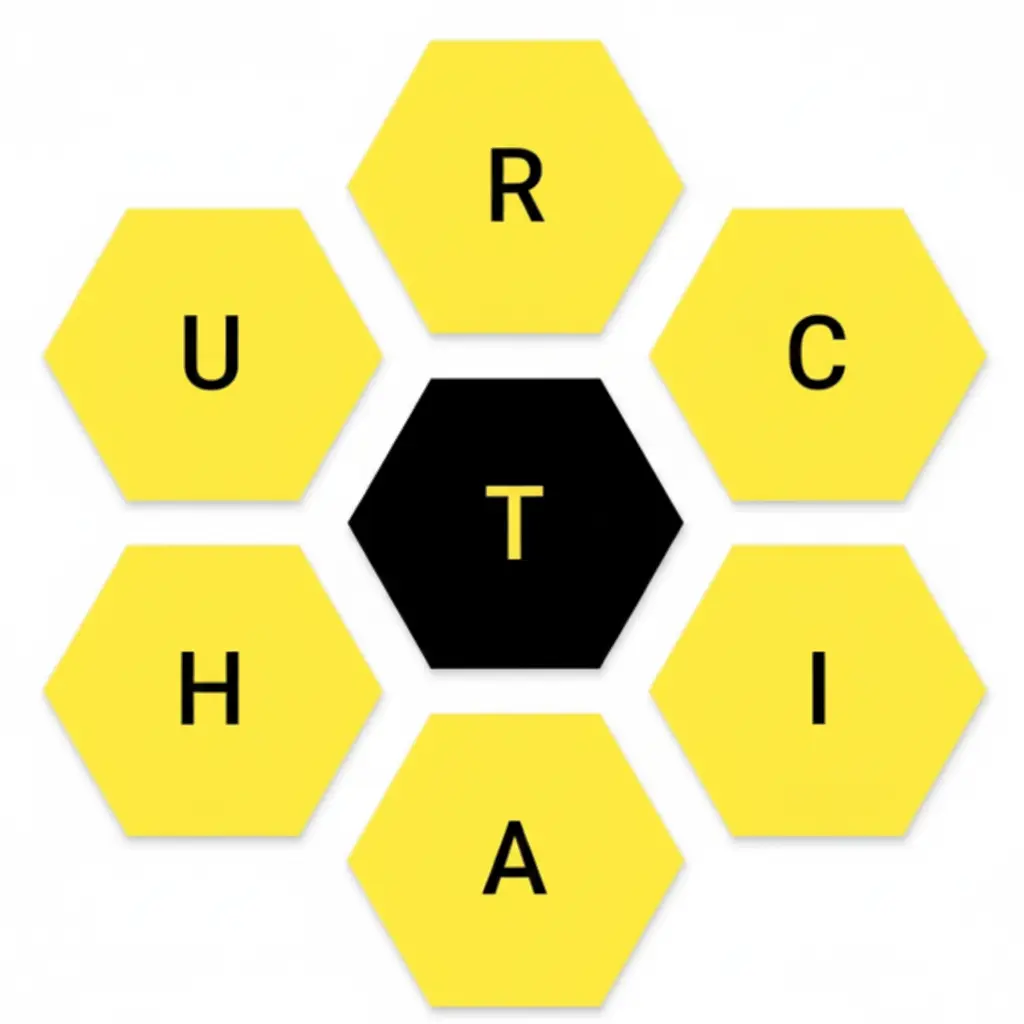
Spelling Bee Game: Create as many words as you can from a honeycomb of letters with a required center letter.
Daily Crossword: Fill a small crossword grid with clues that boost general knowledge and vocabulary.
Browse even more relaxed puzzles in the Word Games category.
Download Blossom Word Game
• On Android: The main way to enjoy Blossom Word Game is in the browser. If you see apps with similar names on Google Play, check reviews and publisher details carefully before installing.
• On iOS (iPhone/iPad): There may be word puzzles with flower themes in the App Store. Always check ratings and screenshots and remember that the free browser version already gives you a full experience.
Download the mod APK file of Blossom Word Game
Some third-party sites may offer “mod APK” files that claim to unlock extra features for Blossom Word Game. These files are not official and can be risky. They may contain malware or unwanted changes.
The safest choice is to play in your browser or to use official app stores with strong review systems. If you still decide to download an APK, always scan it with security software and understand that you do so at your own risk.
FAQ
Can I play Blossom Word Game for free?
Yes, you can play it for free in your browser without registration or payment.
Do I need to create an account to play?
No account is needed on our site. Just open the page and start building words.
Does every word need the center letter?
Yes, every valid word must include the center letter in the flower layout.
Is there a time limit in Blossom Word Game?
Most versions do not use a timer, so you can play at a relaxed pace.
Why was my word rejected?
Some slang, names, or very rare words are not in the game dictionary, so they do not count.
Can I play Blossom Word Game on my phone?
Yes, the game runs well on modern mobile browsers with simple tap controls.
Does the game save my progress?
For daily puzzles, progress usually stays during the session, but clearing cookies may reset history.
How often does the puzzle change?
Many daily versions offer a fresh letter set every day so you always have new words to find.
Can kids play Blossom Word Game?
Yes, the game is family-friendly and a nice way for kids to practice spelling and reading.
Which browsers work best for the game?
Recent versions of Chrome, Edge, Firefox, and Safari are recommended for smooth play.
Why is the game not loading?
Check your internet connection, refresh the page, and close heavy tabs to free resources.
Are there hints in Blossom Word Game?
Some versions include hint buttons or shuffle options that help reveal new word ideas.
Can I mute the sound?
Yes, if sound effects exist, you can usually mute them with a small speaker icon or in the settings menu.
Is Blossom Word Game good for language learners?
Yes, it helps learners see new words and practice spelling in a calm setting.
Can I replay older daily puzzles?
This depends on the version. Some sites keep archives; others only show the current puzzle.
Does the game support other languages?
Most versions use English word lists. A few sites may host local language variants.
Why do I see ads around the game?
Ads help support the hosting and development of free games like Blossom Word Game.
Can I share my score with friends?
You can share screenshots or your word list on social media or messaging apps.
Is it safe to use a VPN to play unblocked?
A VPN can help if a network blocks the site, but always follow local rules and use trusted VPN tools.
Where can I find more games like this?
Visit our Word Games page for more daily puzzles and letter challenges.
Conclusion
Blossom Word Game is a gentle, flower-themed word puzzle that suits both short breaks and longer sessions. The clear rules, calm pace, and daily style make it a great choice for players of many ages.
Open the game, see how many words you can grow from one small flower, and then explore even more titles in our Word Games collection.